01
Sign in with Google
One click connects your Drive. Nothing to install, and nothing to migrate first.
DriveBoard is a project management platform that syncs every task, board, and deadline to real Google Sheets and Docs. Your data belongs to you, always.
See pricing·Free forever · full toolkit from 249 ₴, paid once
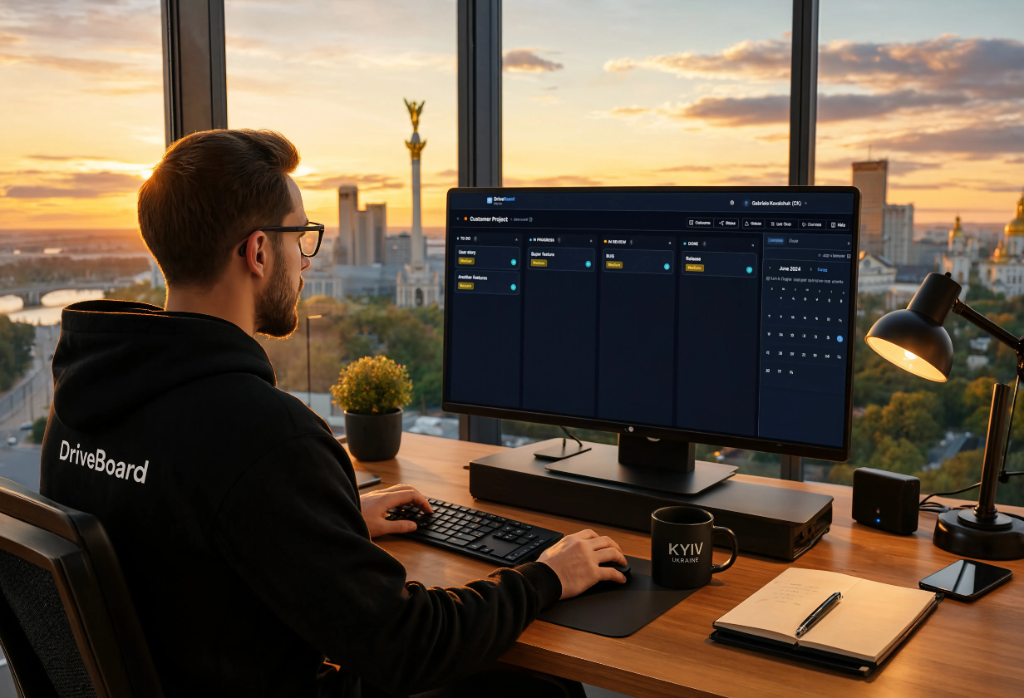
Zero clutter. Pure focus. One click to clear completed tasks. Priority badges guide your attention.
"Great work demands deep focus. We remove every distraction so you can hear what matters."

Every project auto-creates a Google Sheet. Tasks sync instantly. Your files, forever.
"You own your data. Not us, not some cloud vendor. Your Drive, your rules, your future."

Invite your team in seconds. Share boards, assign tasks, track progress together.
"When your team moves as one, distance disappears. Every voice heard. Every contribution visible."

Drag tasks between columns. Switch to list view instantly. Intuitive from first use.
"Your workflow is unique. Your tools should adapt to you, not the other way around."

Calendar view shows all deadlines at once. Drag to reschedule. Google Calendar sync.
"Time becomes your ally. See the path ahead. Plan with confidence. Deliver on promise."

Unlimited projects. Unlimited team. Core features free forever. No trials.
"We believe powerful tools should be accessible. Build your projects. Grow your team."
DriveBoard ships with an AI agent built into every board: triage signals, draft tasks, prioritize with RICE, and assign work without leaving the flow.
Drop an email, message, or voice note and the agent extracts the task, suggests a project, and proposes a due date.
The agent scores reach, impact, confidence, and effort so the next action is always the highest-leverage one.
Match tasks to the right people using skill tags, capacity, and current workload, confirmed with one click.
Ask in plain language: "what's blocked this week?" The agent reads your board and answers with proposed actions.
DriveBoard works where you already work. Drive your boards from any AI assistant over MCP, and never miss an invite, assignment, or mention with built-in notifications.
Connect Claude, Cursor, or any MCP-compatible client to your boards. List, create, and update tasks from inside your AI assistant, with your data scoped to your account.
Read the MCP guideGet in-app and email alerts for invites, role changes, task assignments, comment mentions, and project shares. Toggle each type on or off in Settings.
Learn how notifications workHow it works
DriveBoard creates the Google Sheet for you, so you start moving work instead of setting up tools.
One click connects your Drive. Nothing to install, and nothing to migrate first.
A Kanban board and a Google Sheet appear together. Add a task and it is already in your Drive.
Share the board. Everyone sees the same work, still stored in files you own.
From people who use DriveBoard every day.
"Finally, a PM tool where I actually own my data. The Drive sync is magic."
Sarah K.
Product Manager · Tech Startup
"I share the Google Sheet with clients. They see progress without needing another login."
Mike R.
Freelancer · Design Agency
"Switched from Trello and our Drive is finally organized. Total game changer."
Anna L.
Agency Lead · Marketing Co
Comprehensive guides to help you get the most out of DriveBoard
Create your first workspace and project in minutes
Master the art of organizing and tracking tasks
Understand how sync works and troubleshoot issues
Work effectively with your team in real-time
Sync tasks with Google Calendar for better planning
Organize your team and manage access
Everything you need to know about DriveBoard